
Goojara vs Tubi: Which Free Streaming Platform Is Better in 2026?
Both platforms let you watch movies and TV shows for free. That’s where the similarities end.
Tubi is a fully licensed, ad-supported streaming service backed by Fox Corporation legal, stable, and available on virtually every device. Goojara is a browser-based streaming site that requires no download, no account, and no setup. Two very different approaches to free streaming, and depending on what you actually need, one will suit you far better than the other.
This comparison cuts straight to the decisions that matter.
Goojara vs Tubi Overall Comparison
| Feature | Goojara | Tubi |
|---|---|---|
| Platform type | Website (browser-based) | App + website |
| Account required | No | Optional |
| Content licensing | Unlicensed | Fully licensed |
| Ads | Pop-up ads | Mid-roll video ads |
| Video quality | Varies (up to 1080p) | Up to 1080p |
| Subtitles | Limited | Good (most titles) |
| Device apps | No native app | iOS, Android, Roku, Fire TV, Apple TV, Smart TVs |
| New releases | Yes (fast) | Delayed |
| Legal status | Grey area | Fully legal |
| Sign-up needed | No | No (optional) |
Content Library: Newer Releases vs. Licensed Depth
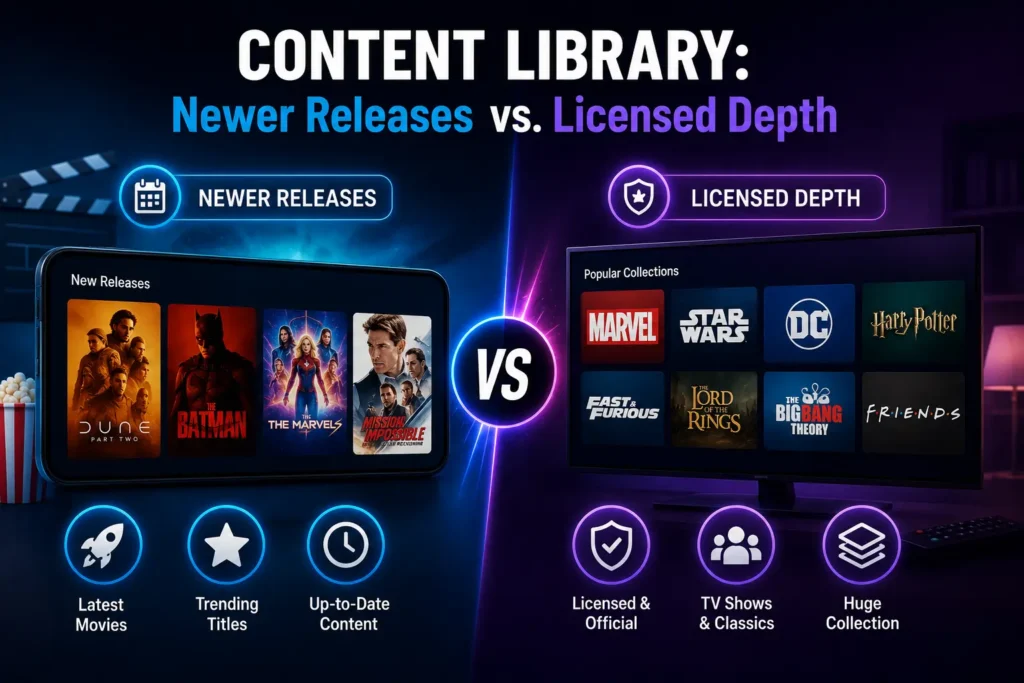
This is where the two platforms diverge most sharply.
Goojara — Fast but Unlicensed
Goojara gets new theatrical releases up fast sometimes within days of a film hitting digital. The catalog skews toward what’s currently in demand:
- Hollywood blockbusters and trending titles
- Recent TV series and ongoing anime
- Popular titles people are actively searching for
It’s reactive by design. If a film just left theaters, Goojara likely has it.
Tubi — Deep but Patient
Tubi’s 50,000+ title library is built on properly licensed content from Sony, Lionsgate, and NBCUniversal. New releases take longer to arrive most content clears the paid streaming window first. But what Tubi offers in return is real depth:
- Classic and cult films most platforms ignore
- Complete TV series with full episode availability
- Niche genres and international cinema
| Goojara | Tubi | |
|---|---|---|
| New releases | Fast (days after digital) | Slow (after licensing window) |
| Catalog size | Unlicensed / varies | 50,000+ licensed titles |
| Classic films | Limited | Excellent |
| Complete TV series | Inconsistent | Consistent |
| International cinema | Some | Strong |
Which One Is Easier to Use Without an Account?
Neither platform forces you to register but the day-one experience feels different.
Goojara: Open browser → search title → press play. No email prompt, no interruption, no commitment. Pure zero-friction access.
Tubi: You can browse and watch without signing up, but the platform nudges you toward registration. Features locked behind an account include:
- Watchlists
- Continue watching across devices
- Parental controls
The sign-up is quick and free but it’s still a step Goojara skips entirely.
For one-time or occasional watching, Goojara’s zero-friction approach is genuinely convenient. For anyone planning to return regularly, Tubi’s account system earns its value fast watchlists and cross-device sync make a real difference over time.
Winner: Goojara (for no sign-up) | Tubi (for regular viewers)
Ads: Different Problems, Different Annoyances
Neither platform is ad-free but the type of ads you deal with is completely different.
Tubi Ads
- Mid-roll video spots, 15–30 seconds each
- Placed every 15–20 minutes during playback
- Served by established ad networks no pop-ups or redirects
- Predictable and mild; similar to watching network TV
Goojara Ads
- Pop-ups and redirect attempts on click or page navigation
- Without an ad blocker, these can be genuinely disruptive
- With uBlock Origin installed, most disappear entirely
- More aggressive in nature than Tubi’s passive mid-rolls
Watch Out: If you’re using Goojara without an ad blocker, be prepared for redirects. Install one first.
| Ad Type | Goojara | Tubi |
|---|---|---|
| Mid-roll video ads | No | Yes (~4–5 min/hour) |
| Pop-up / redirect ads | Yes | No |
| Ad blocker effective? | Yes | Partially |
| Ad-free possible? | With blocker | No |
Winner: Depends on your setup. With an ad blocker → Goojara. Without one → Tubi.
Streaming Quality and Reliability
Tubi — Consistent and Predictable
Tubi streams from its own CDN infrastructure. What that means in practice:
- Consistent 1080p on most titles
- Minimal buffering on standard broadband
- Subtitles embedded on most content, including SDH accessibility options
No guesswork. You press play and it works.
Goojara — Variable by Source
Goojara aggregates links from external sources, so quality depends on what’s available at that moment:
- Best case: crisp 1080p with no buffering
- Worst case: compressed 720p or lower, slow to load
- Subtitle availability is hit or miss — some titles have them, others don’t
| Reliability | Goojara | Tubi |
|---|---|---|
| Max quality | Up to 1080p | Up to 1080p |
| Consistency | Variable (source-dependent) | Consistent |
| Buffering risk | Higher | Low |
| Subtitle availability | Inconsistent | Most titles covered |
| CDN / infrastructure | External aggregated links | Own CDN |
Winner: Tubi — reliable every time. Goojara can match it, but only when a good source link is available.
Device Compatibility: Apps vs. Browser-Only
This is one of the clearest practical differences between the two.
Tubi has dedicated apps for iOS, Android, Roku, Amazon Fire TV, Apple TV, Chromecast, and most major smart TV brands Samsung, LG, Vizio. Start watching on your phone, finish on your TV. Zero friction.
Goojara has no native app. Browser-only means:
- Works fine on desktop and mobile browsers
- Casting from a phone browser is possible but clunky
- No remote-friendly TV interface not built for a 10-foot display
| Device | Goojara | Tubi |
|---|---|---|
| Desktop browser | ✓ | ✓ |
| Mobile browser | ✓ | ✓ |
| iOS app | ✗ | ✓ |
| Android app | ✗ | ✓ |
| Roku | ✗ | ✓ |
| Fire TV | ✗ | ✓ |
| Apple TV | ✗ | ✓ |
| Smart TV app | ✗ | ✓ |
Winner: Tubi — and it’s not close. The only scenario where Goojara holds its own is desktop-only viewing.
Which Platform Is Better for Families?
Winner: Tubi — no contest.
Tubi offers:
- A dedicated kids section with age-appropriate content
- Parental controls (accessible after sign-up) to restrict mature titles
- Moderated ad content standard commercial spots, nothing aggressive
- Parents should also understand movie age ratings and content classifications before choosing what children watch.
Goojara has none of this. No parental filtering, no content separation, and a less controlled ad environment. For any household with children, Tubi is the only sensible choice here.
Which One Is Better for Casual Movie Viewers?
It comes down to how you watch.
You’ll prefer Tubi if you:
- Open the app without knowing what to watch
- Like browsing by genre or curated collections
- Want a home screen that learns your preferences
- Don’t mind mild, predictable ad breaks
You’ll prefer Goojara if you:
- Already know the exact title you want
- Want the fastest path from search to playback
- Are on a desktop and don’t want to install anything
| Movie Viewers | Goojara | Tubi |
|---|---|---|
| Best use mode | Search-first | Browse-first |
| Discovery / recommendations | No | Yes |
| Curated collections | No | Yes |
| Best for undecided viewers | No | Yes |
| Best for targeted watching | Yes | No |
Same goal, completely different approach. Pick based on how you actually watch not just what you want to watch.
Winner: Tubi for casual browsing | Goojara for targeted search
Common Reasons Users Switch Between the Two
Users who start on Tubi sometimes try Goojara when:
- A specific new release isn’t available on Tubi yet
- They want to watch something without creating any account
- They’re on a desktop and want to avoid downloading an app
Users who start on Goojara sometimes move to Tubi when:
- Pop-up ads become too disruptive without an ad blocker
- They want to watch on a TV or Firestick with a proper app
- They’re looking for older or niche titles that Goojara doesn’t carry
- They want a more reliable, consistent playback experience
Quick Take: Many users end up using both — Tubi as the daily driver, Goojara as a fallback for titles that haven’t cleared the licensing window yet. It’s not an either/or decision.
Legal and Safety Considerations
This deserves a direct, no-fluff answer.
| Legal and Safety | Goojara | Tubi |
|---|---|---|
| Content licensing | Unlicensed | Fully licensed |
| Legal status | Grey area | Fully legal |
| Ad safety | Pop-ups, some redirects | Clean, no redirects |
| Risk to viewer | Low (no install needed) | None |
| Ad blocker recommended | Yes | Not necessary |
Tubi is fully legal in every market it operates. Content is licensed, ads are clean, no risk involved.
Goojara streams unlicensed content. Legal standing varies by country, and while individual viewers rarely face consequences, the platform itself operates differently from licensed services. The pop-up ad environment adds a secondary security concern manageable with an ad blocker, but worth knowing.
Keep in Mind: Goojara is included here for informational purposes. Understand the copyright context in your region before use.
Which Free Streaming Platform Should You Choose?
Choose Tubi if:
- You want a fully legal, stable streaming experience
- You watch on a TV, Firestick, Roku, or Apple TV
- You have children who use the same device
- You prefer browsing a large catalog without knowing what to watch in advance
- You don’t want to deal with pop-up ads
Choose Goojara if:
- You need fast access to a recent release not yet on Tubi
- You’re on a desktop or laptop and don’t want to install anything
- You already use an ad blocker
- You want to watch without any sign-up or account whatsoever
- You prioritize access to current titles over catalog depth
For most people, Tubi is the safer, more practical daily option. Goojara fills specific gaps — particularly for recent titles — but works best as a secondary resource rather than a primary streaming destination.
Final Verdict
Goojara and Tubi solve different problems, so there’s no single winner for everyone.
If you want a legal streaming platform with a polished interface, dedicated apps, reliable playback, and family-friendly features, Tubi is the better long-term choice. It’s ideal for users who value stability and a consistent viewing experience across different devices.
On the other hand, if your priority is quick access to recently released movies and TV shows without creating an account, Goojara offers a faster, browser-based experience. Just keep in mind that stream quality, ads, and legal status can vary.
For many users, the best approach isn’t choosing one over the other. Tubi works well as your primary streaming platform for everyday viewing, while Goojara can be useful when you’re looking for a title that isn’t yet available on licensed services.
Ultimately, the right choice depends on how you watch, what you watch, and the experience you value most.


