Goojara Not Working? Common 12 Real Fixes for Every Error (2026)
You were mid-movie, clicked play, and Goojara either went blank, threw an error, or stopped loading entirely. Most fix guides you will find online tell you to clear your cache and restart your browser advice that works for any website and solves nothing specific to Goojara APK.
This guide covers 12 actual Goojara errors based on real user reports, with specific causes and specific fixes. Find your error below and you will be back to streaming in under 5 minutes.
First — Check If Goojara Is Actually Down Right Now
Before touching your browser settings or app, spend 60 seconds checking whether Goojara’s servers are actually down. If the problem is on their end, no amount of troubleshooting on your device will fix it.
Go to updownradar.com/status/goojara.to or outagedown.com and search for Goojara. These sites track real-time outage reports from actual users. If you see a spike in complaints in the last hour the site is down, not your connection.
If the status check shows Goojara is up and running fine for everyone else, the problem is on your end. Scroll to the section that matches your specific error below.
If Goojara appears to be working on their end, find your specific error in the sections below.
Your Goojara URL Stopped Working — Here Is Why
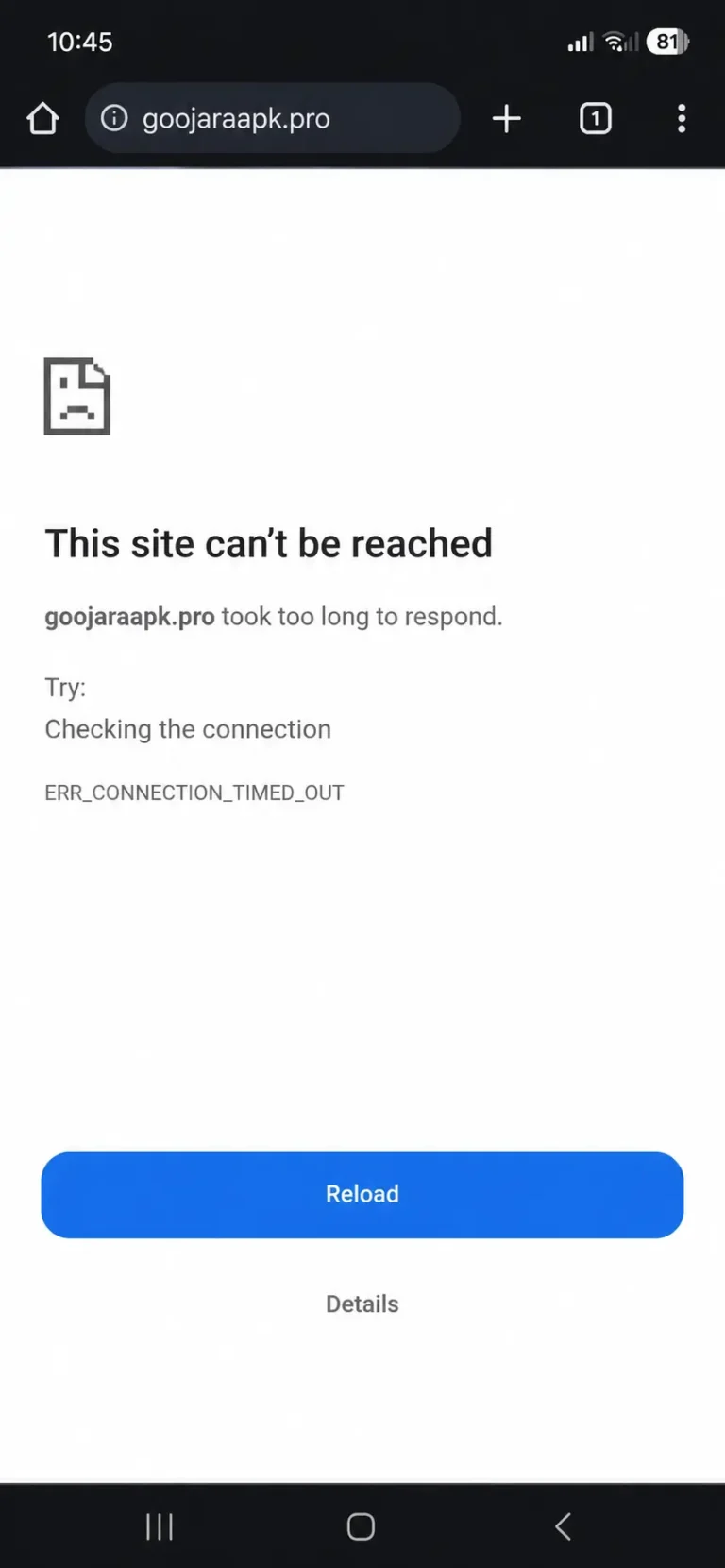
This is the most common Goojara-specific problem and the one most guides completely skip. Goojara does not stay at one permanent web address. The platform has operated across multiple domains — goojara.to, goojara.ch, goojara.club, and various country mirrors. When a domain gets blocked by ISPs or taken down, the site shifts to a new one. If you bookmarked an old URL, that bookmark now opens a blank page or a “site cannot be reached” error.
How to find the current working Goojara URL:
- Search “goojara working link 2026” on Google — filter by past month results.
- Check Reddit communities like r/cordcutters or r/freestreaming for current working links.
- Once you find a working link, bookmark it immediately and delete the old one.
The real Goojara loads its content library immediately after you land on it. If a site asks you to verify, download a “player”, complete a survey, or fill out a form before showing content — leave immediately. Fake mirrors are common when the main domain changes.
Goojara Shows Error 522 — What It Means and How to Fix It
Error 522 is a Cloudflare timeout error. It means Goojara’s server received your request but did not respond in time. This is a server-side issue your browser is working fine.
Fix:
- Wait 10–15 minutes and try again server overload resolves on its own most of the time.
- Change your DNS to 1.1.1.1 (Cloudflare) or 8.8.8.8 (Google) in your router or phone settings.
- If DNS change does not help, enable a VPN error 522 sometimes appears when your ISP is blocking the server’s IP.
- Try a different browser while waiting.
One user reported: “This morning it gives error code 522. The site will not load.” In most cases, waiting 15 minutes and switching DNS resolves it completely.
This Site Can’t Provide a Secure Connection on Goojara
This error appears when there is an HTTPS/SSL mismatch. Your browser is trying to connect securely but something in between usually ISP interference is breaking the handshake. Samsung Internet browser users and Chrome on older Android versions report this most frequently.
Fix try these in order:
- Replace “https://” with “http://” in the URL and press Enter.
- If you are on Firefox: Settings → Privacy & Security → scroll to HTTPS-Only Mode → turn it off.
- Switch from Samsung Internet to Google Chrome Samsung Internet has stricter SSL handling by default.
- Enable a VPN ISP-level interference with SSL connections is a known cause on streaming sites.
- In Chrome: Settings → Privacy & Security → Security → disable “Always use secure connections”.
If Goojara keeps failing on your device, check our list of free streaming apps as backup options.
Goojara Opens But Videos Won’t Play — Play Button Not Working
The page loads fine. You can see movie titles and thumbnails. But clicking play does nothing no error, no loading spinner, just silence. The cause is almost always JavaScript. Goojara’s video player runs entirely on JavaScript. If your browser has JavaScript disabled or an extension is blocking it the play button becomes a dead click.
Fix:
- Enable JavaScript: Chrome → Settings → Privacy & Security → Site Settings → JavaScript → Allow.
- Temporarily disable your ad blocker uBlock Origin and similar tools sometimes block Goojara’s video player script as a false positive.
- If disabling the ad blocker fixes it, whitelist Goojara in your ad blocker settings so you do not need to disable it every visit.
- Try switching servers click the quality icon on the player and select Server 2 or Server 3.
Goojara Keeps Buffering — Not a Speed Problem, Here Is the Real Fix
Buffering on Goojara is not always about your internet speed. Users with 50 Mbps connections still experience constant buffering on Goojara. The reason is ISP throttling your provider deliberately slows traffic to streaming sites during peak hours.
How to confirm ISP throttling is your problem:
Run a speed test on fast.com while Goojara is buffering. If your speed looks normal but Goojara still buffers throttling is the cause, not your actual connection.
Fix:- Enable a VPN o this encrypts your traffic so your ISP cannot identify it as streaming traffic and throttle it.
- Switch servers inside the Goojara video player o click the quality icon and select Server 2.
- Lower video quality to 720p o 1080p requires a stable 10+ Mbps connection, 720p works reliably at 5 Mbps.
- If buffering happens only during evenings and weekends, it is peak-hour throttling o VPN is the only lasting fix.
TV Shows Not Working on Goojara But Movies Are Fine
The site loads. Movies play without issues. But clicking on any TV series episode returns an error or endless loading circle. Goojara serves movies and TV series from different server clusters. When one cluster goes down, only that content type is affected. This is not a browser issue browser fixes will not help.
Fix:
- Refresh the series page and wait 2 minutes brief server hiccups resolve quickly.
- Try a different episode from the same series specific episode links sometimes go dead while others work.
- Search for the series by name and reach it through a different path on the site.
- If the entire series section is broken, wait 2 to 6 hours this type of server issue resolves on its own.
Goojara Images Not Loading — Blank Boxes Instead of Movie Thumbnails
You open Goojara and the layout is there categories, search bar, movie titles but where posters should be, there are blank grey boxes. The site works but no images appear. Goojara loads thumbnails from a separate CDN (Content Delivery Network) server. When that CDN has problems, the main site works but all images fail to load.
Fix:
- Press Ctrl + Shift + R on Windows or Cmd + Shift + R on Mac this hard refresh bypasses all cached data.
- Open Goojara in an incognito or private window forces a fresh connection to all servers.
- If incognito shows images fine: Chrome → Settings → Privacy → Cookies and site data → search “goojara” → delete only Goojara’s cached data.
One user described it exactly: “No pics, just the blank jpeg and the name of the movie.” The hard refresh and incognito test resolves this in most cases.
New Movies and Episodes Not Showing Up on Goojara
The site works. Older content plays without issues. But a movie or episode you know was released is not appearing or the site seems frozen on content from days ago. Your browser is loading a cached version of Goojara’s content lists. The site has updated on their end but your browser is still showing the old saved version.
Fix:
- Open Goojara in a private/incognito window incognito never uses cached data and forces a fresh load.
- If you see the new content in incognito: go to browser settings → clear site data specifically for the Goojara domain.
- Do not clear all browsing data clear only Goojara’s data to avoid losing other saved browser settings.
Goojara Download Stopped Midway — How to Fix It
Your WiFi dropped or connection cut out during a download. Now the file is corrupted, stuck in a permanent “downloading” state, or the download button on Goojara does nothing when you try again. When a download interrupts mid-way, the browser holds onto the incomplete file and locks that URL from being downloaded again until you clear it.
Fix:
- Open your browser download manager Chrome: Ctrl + J, Firefox: Ctrl + Shift + Y.
- Find the incomplete Goojara download and delete it completely.
- Return to the Goojara movie page and start the download fresh.
- For files over 1.5 GB, use a dedicated download manager like Free Download Manager it handles connection drops and resumes automatically.
- Switch to a wired connection if possible before restarting large downloads.
A user reported: “I was downloading a movie, my WiFi dropped, and since then I cannot play or download anything.” Clearing the incomplete file from the browser download manager and restarting resolves this.
Goojara APK Errors — App-Specific Fixes
If you use the Goojara Android app, some errors are app-specific. Browser-based fixes will not help here.
App crashes immediately on open: Android Settings → Apps → Goojara → Storage → tap “Clear Data” then “Clear Cache.” Open the app again. This removes corrupted app data that causes crash-on-launch.
Update Required message: Goojara stops supporting older app versions when servers update. Download the latest Goojara APK from a trusted source and install it over the existing version. Your watch history stays intact.
APK install failed: Android Settings → Apps → Special App Access → Install Unknown Apps → find your browser or file manager → enable “Allow from this source.” Redownload the APK and try installing again.
App opens but shows blank screen: Go to Android Settings → Apps → Goojara → Storage → tap “Clear Cache” only do not tap “Clear Data” as that resets the app entirely. Reopen Goojara.
Goojara Not Working on Specific Devices
Samsung phone secure connection error: Samsung Internet browser has stricter SSL handling than Chrome. Skip adjusting Samsung Internet settings entirely. Install Google Chrome, open Goojara there, and the error disappears.
iPhone play button not responding: Settings → Safari → scroll down → make sure “Block All Cookies” is off. Also go to Settings → Safari → Content Blockers and disable any active content blockers. JavaScript restrictions in Safari on iOS are the most common cause.
Smart TV site loads but nothing plays: Most Smart TV browsers are outdated and do not support modern JavaScript video players. If your TV has multiple browser options, switch to a different one. Otherwise, use your phone to cast Goojara to the TV through screen mirroring this bypasses the TV browser entirely.
PC stuck on the “verifying” screen and cannot proceed: Cloudflare’s verification gets blocked by VPNs or browser extensions. Temporarily disable your VPN. Disable all browser extensions. Reload the page. Complete the verification. If you are using Goojara for PC, re-enable everything after the check is complete.
What to Do If Nothing Worked
If you have tried the fix for your specific error and Goojara is still not working, check whether the domain has changed again. This is the single most common reason Goojara stops working for users who have been using it reliably for months.
Some errors including 522 and full server outages have no user-side fix. The only option is to wait. Most server-side issues resolve within a few hours.
Frequently Asked Questions
Disclaimer: This article is for informational purposes only.


